
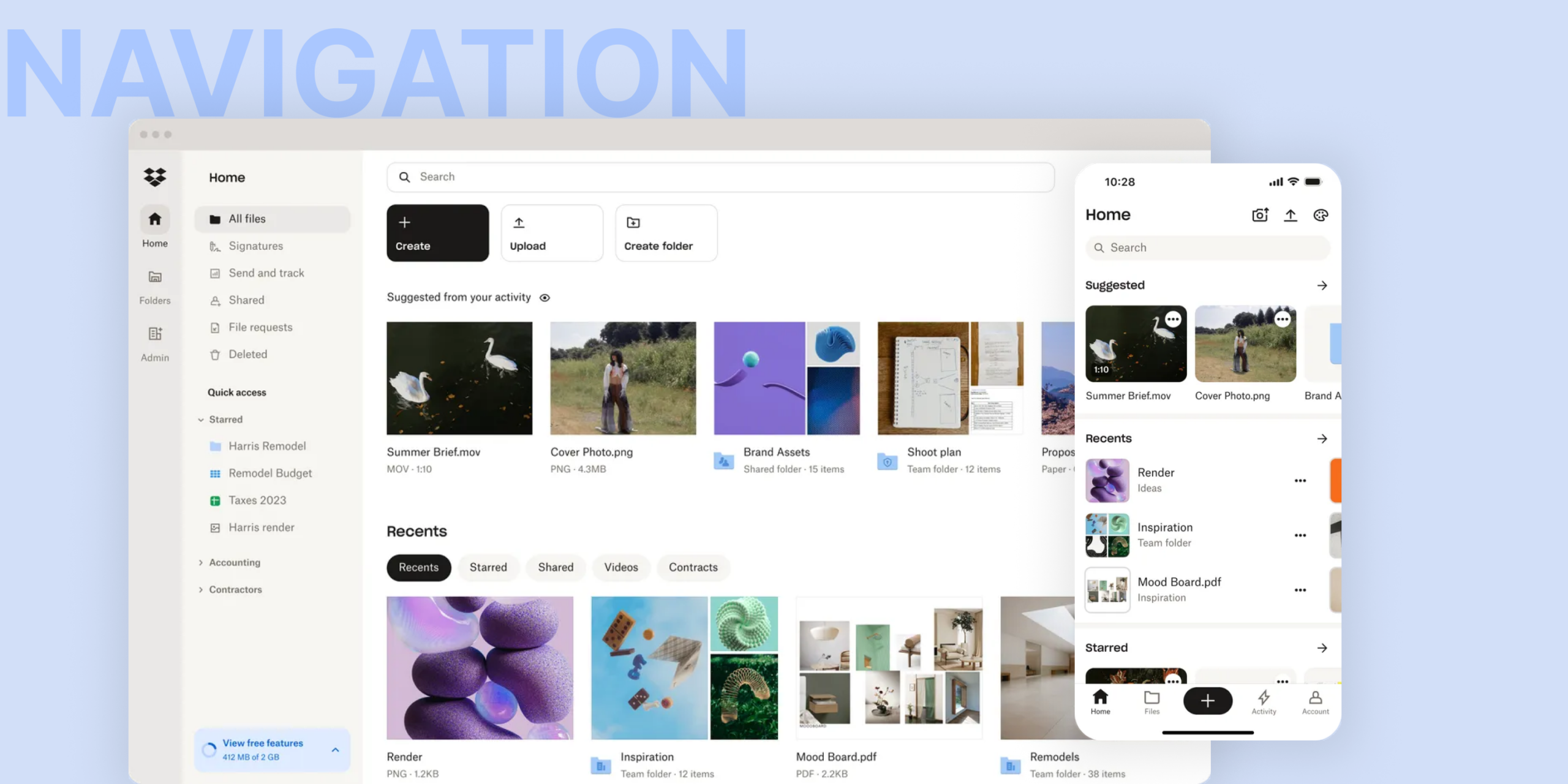
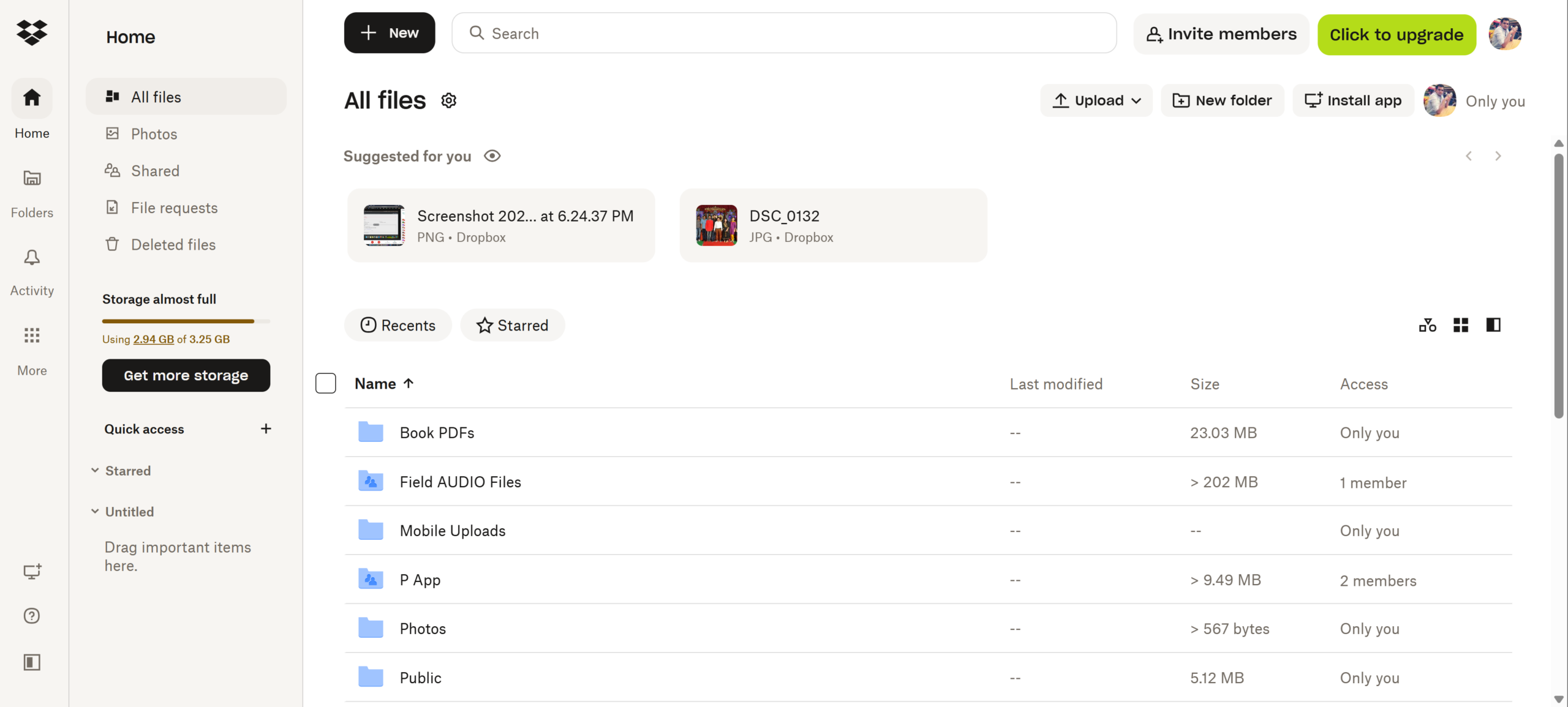
Redesigned the Dropbox web experience — streamlining navigation, file previews, and key actions to reduce workflow friction and keep users in their flow.
PROBLEM
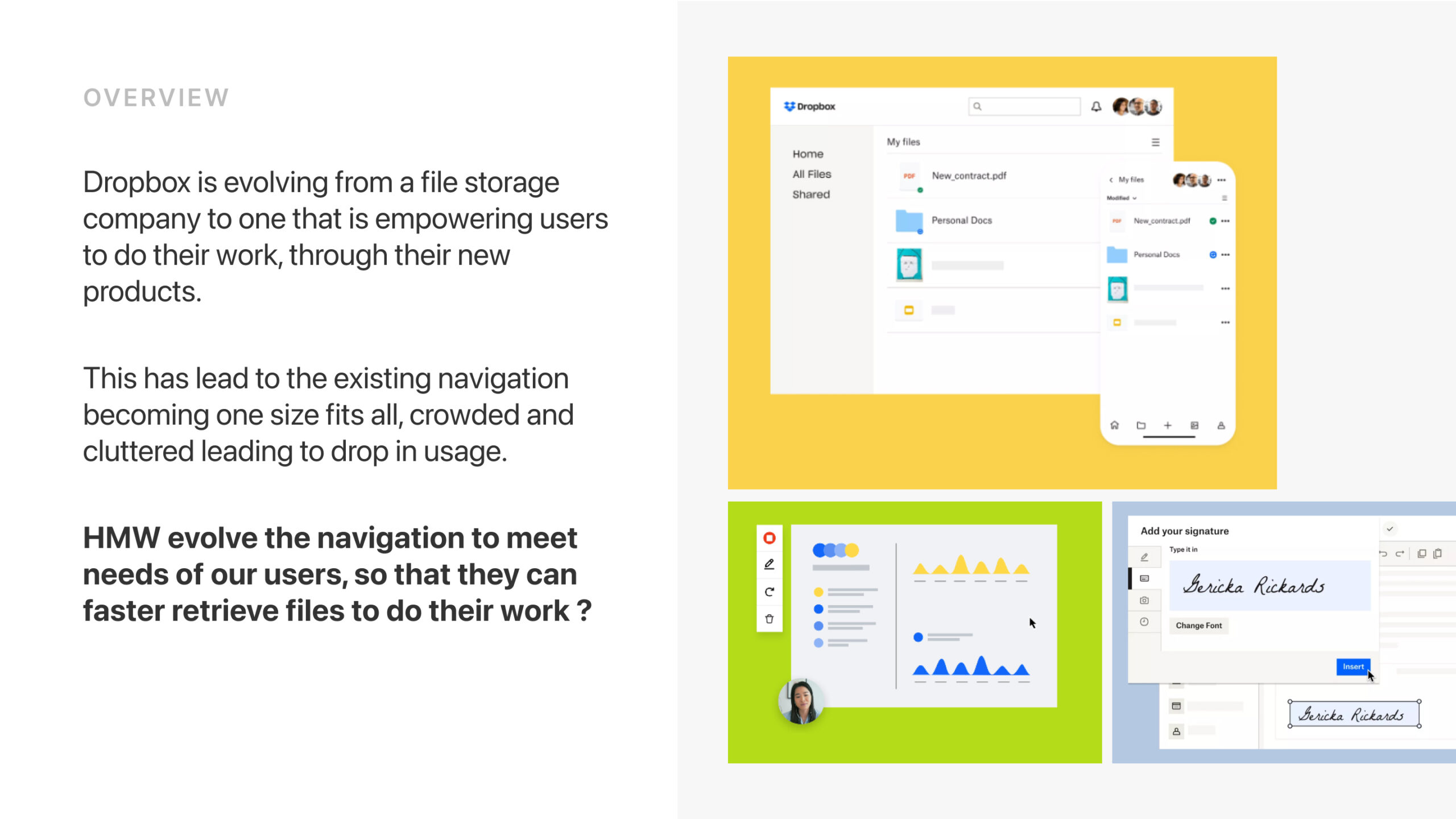
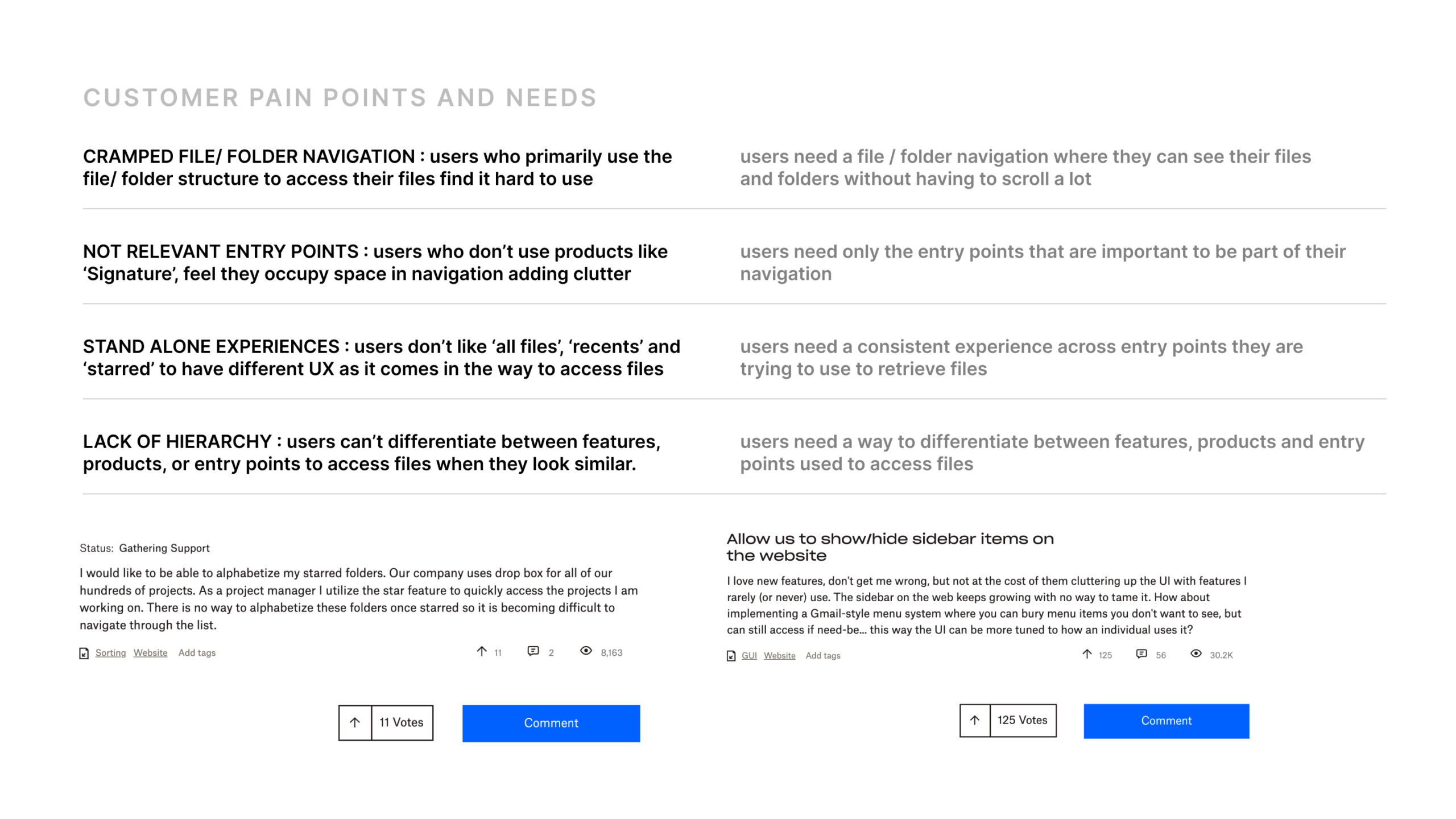
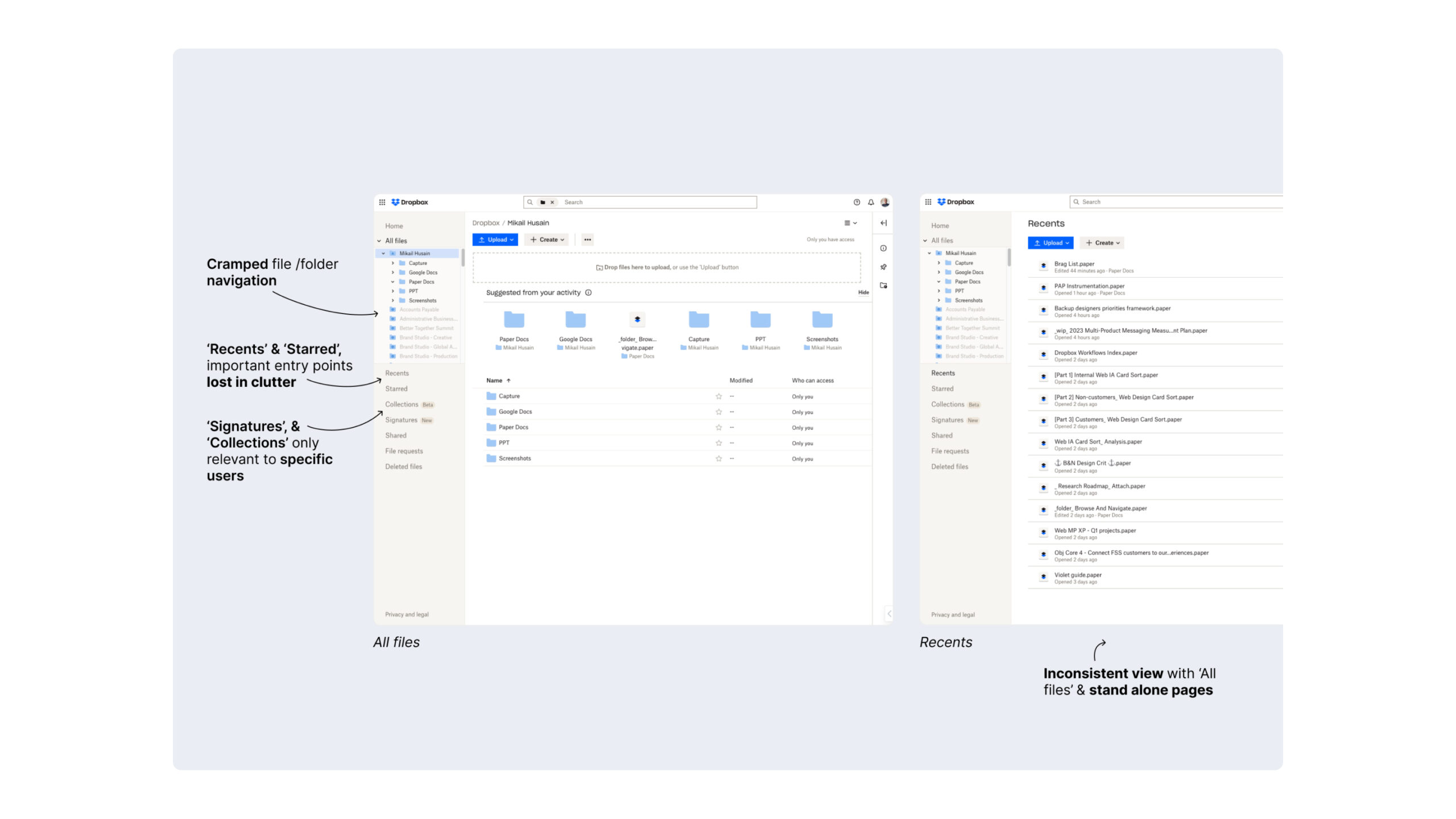
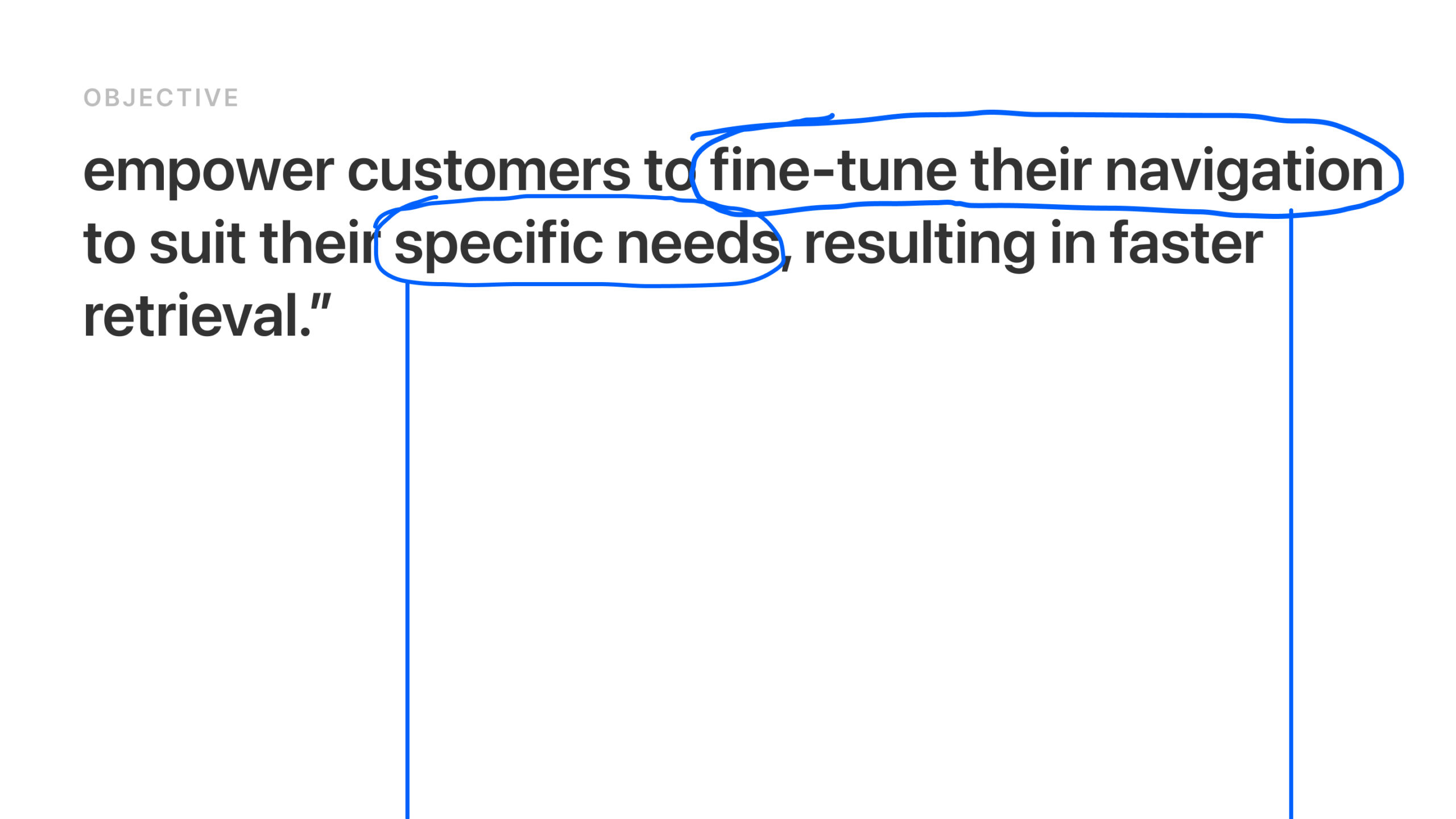
Dropbox users need faster, more efficient ways to find and take action on their content, whether it’s sending documents for signature, tracking viewer engagement, or managing files—without switching between different tools.
WHAT I DID
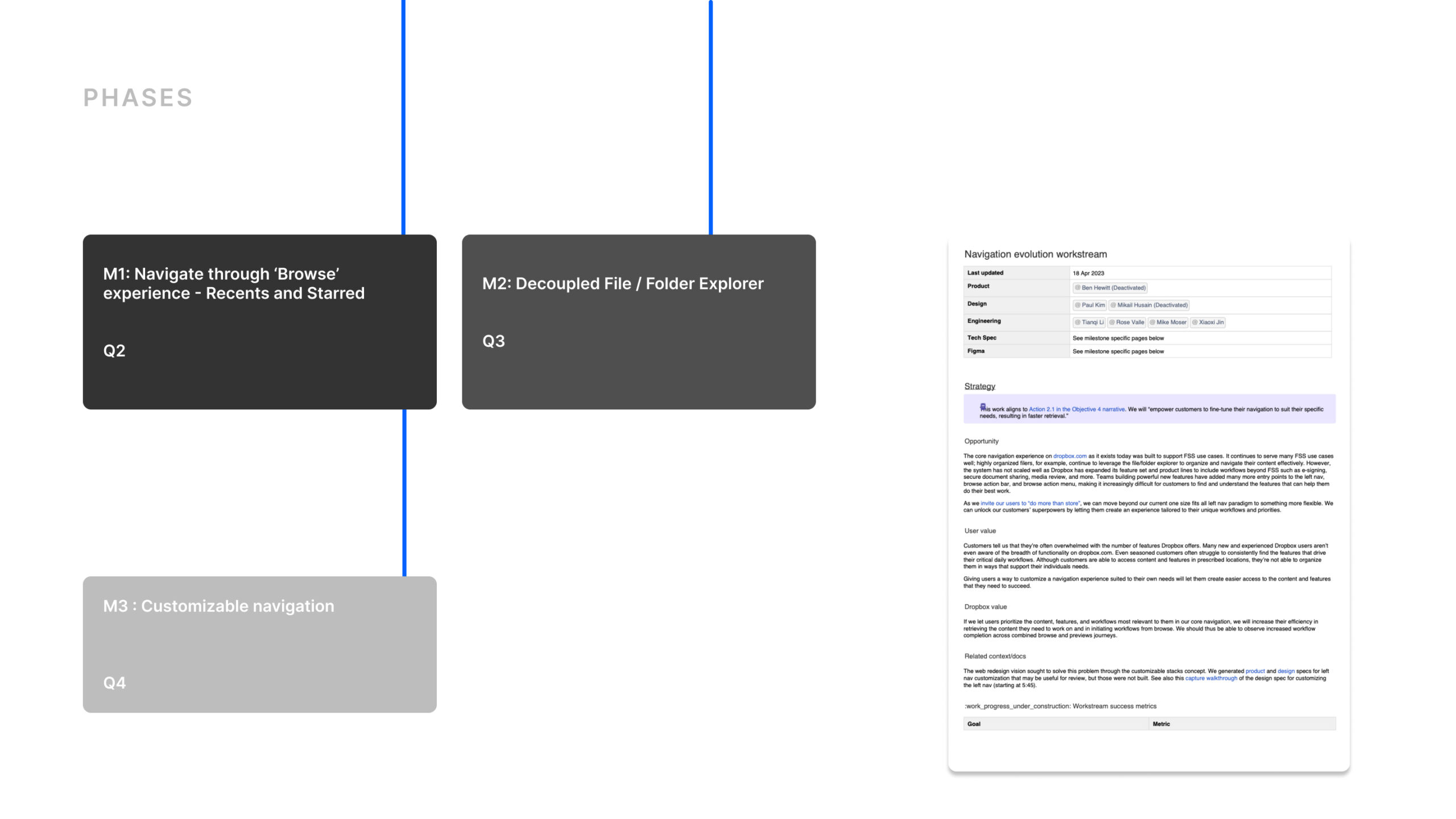
I worked with two designers to redesign Dropbox web experience to streamline workflows:
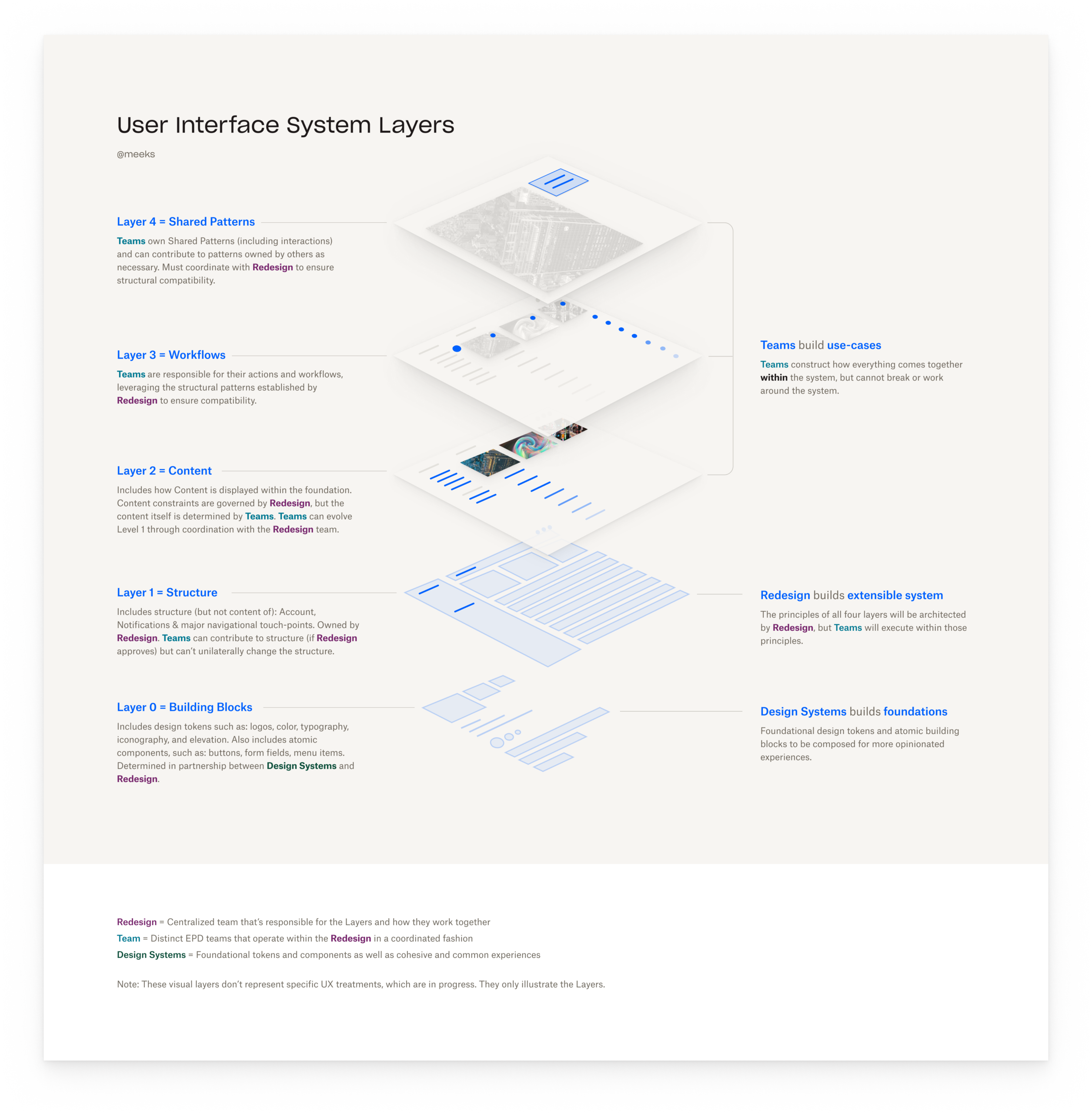
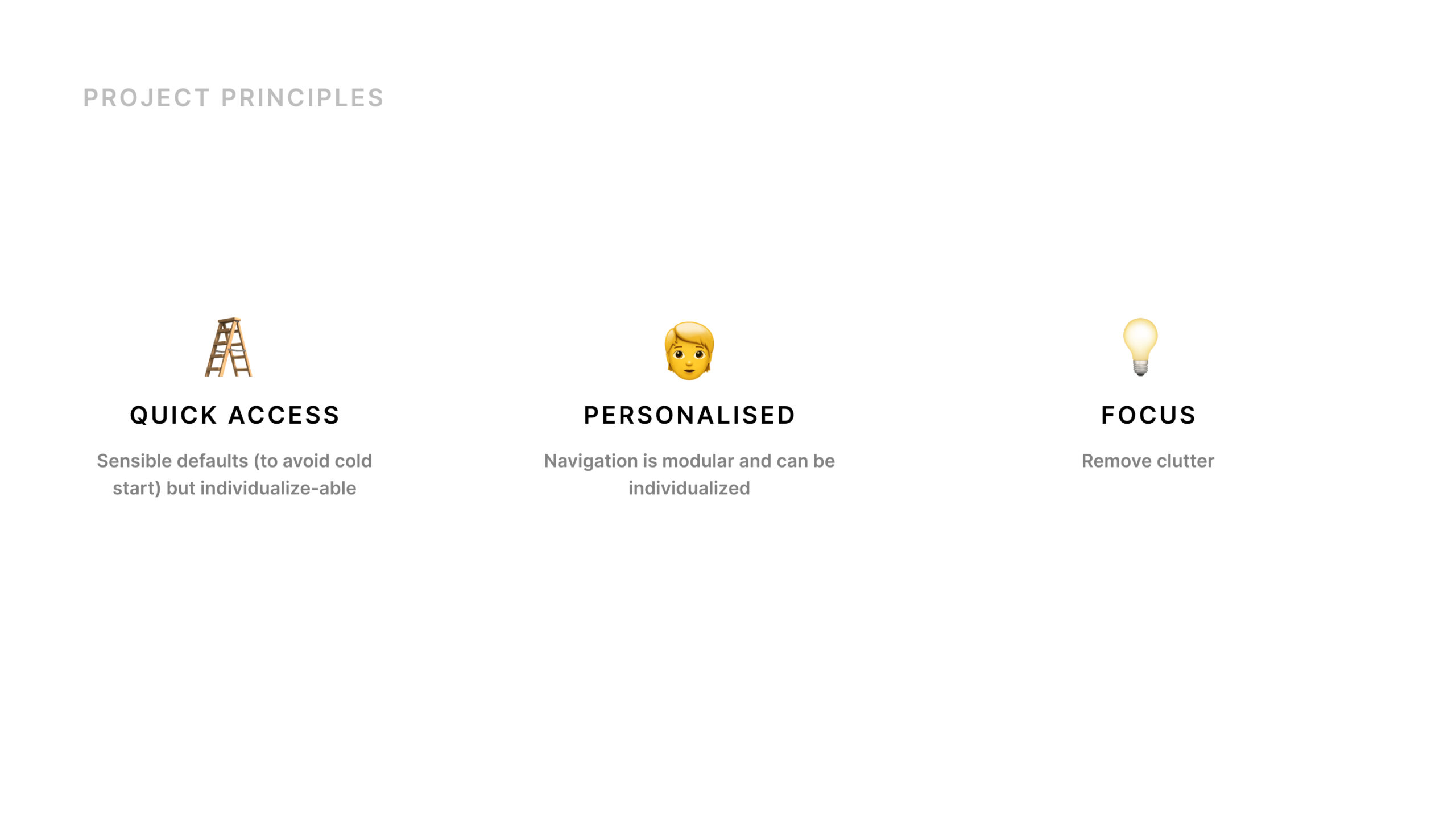
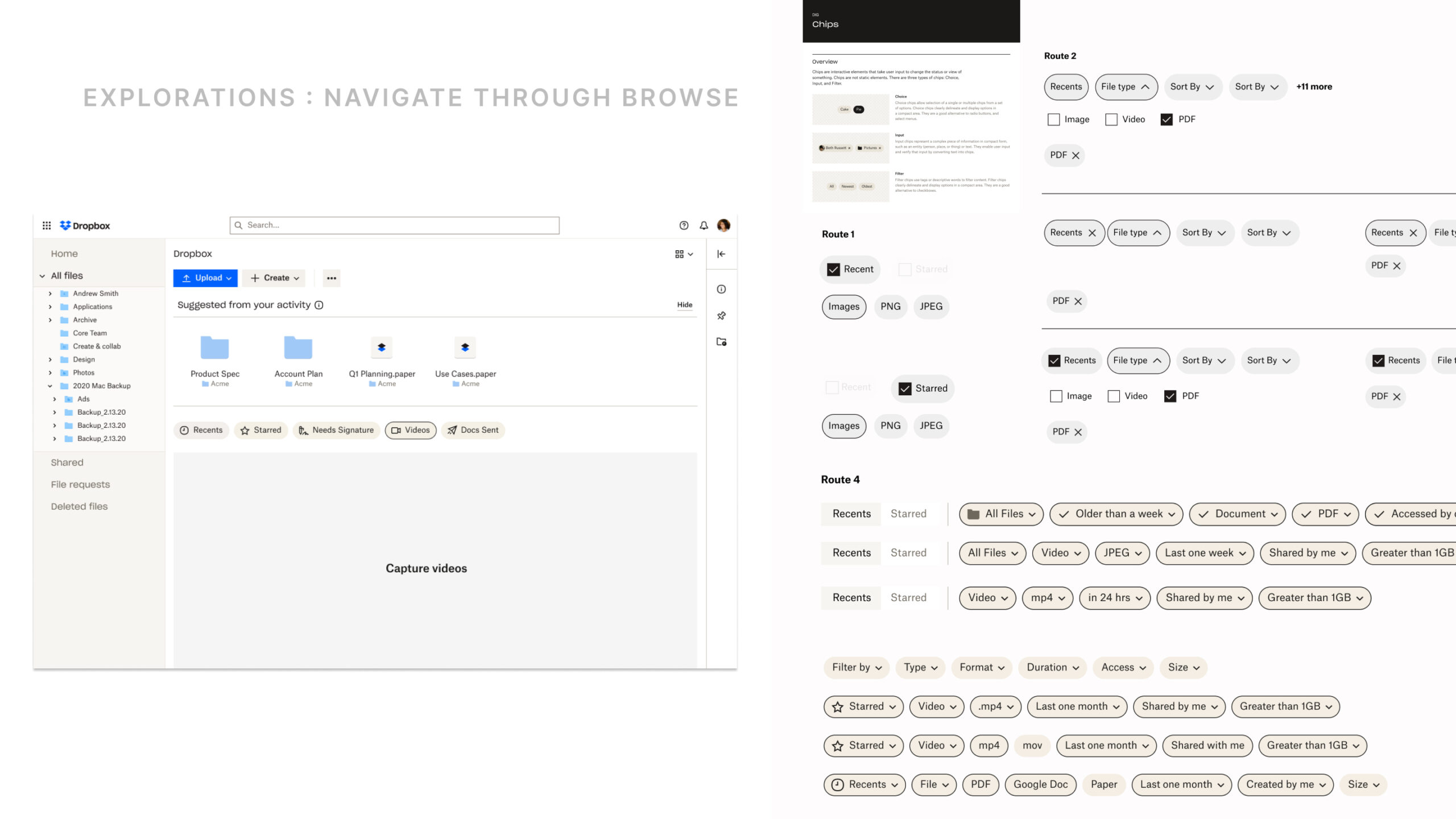
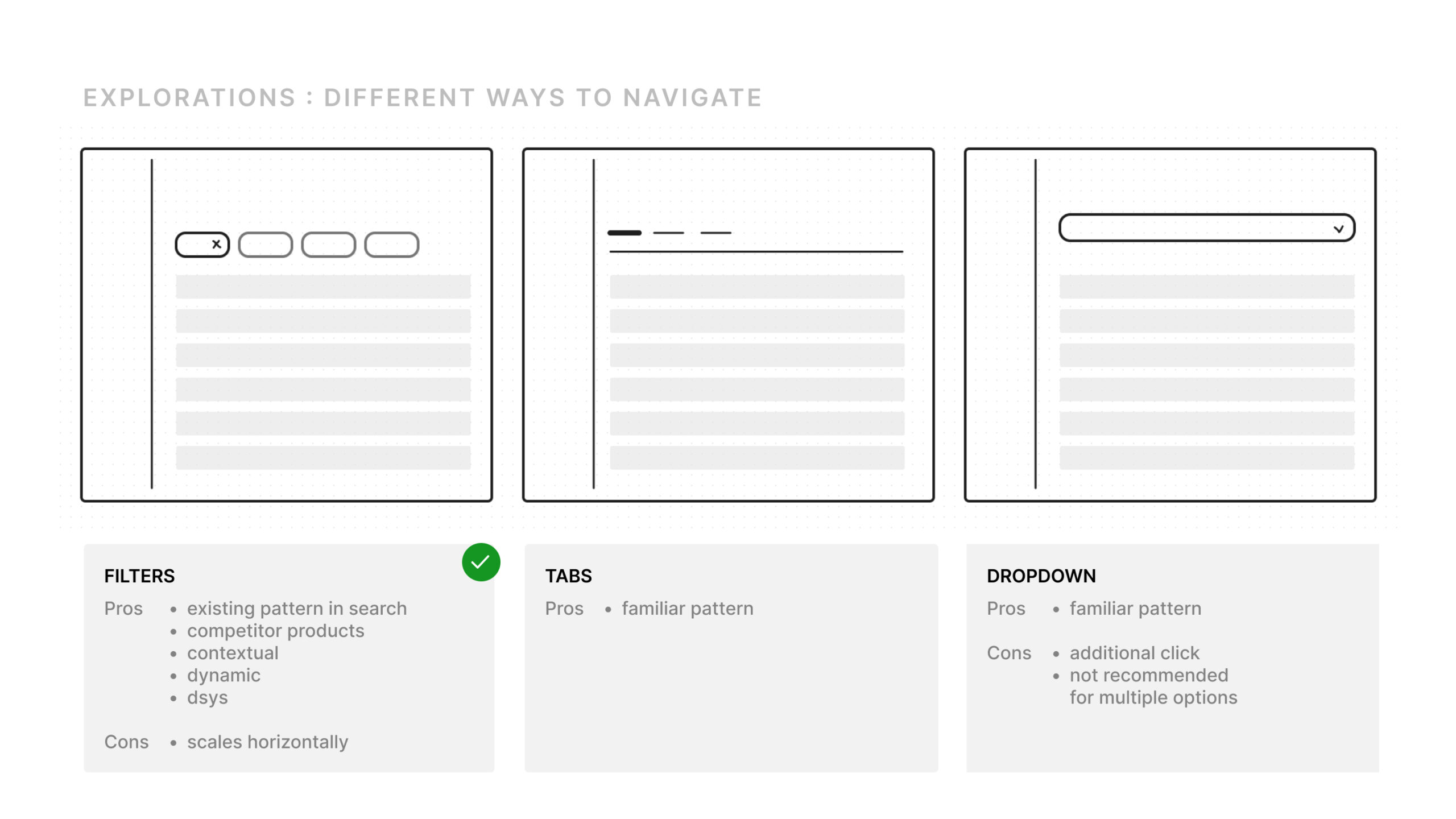
• A new left navigation with an expandable folder tree makes it easier to find content quickly.
• A persistent action bar enables instant access to key actions like screen recording, PDF editing, file uploads, and document tracking.
• Redesigned file previews offer dynamic editing capabilities for images, videos, and PDFs.
ESTIMATED IMPACT
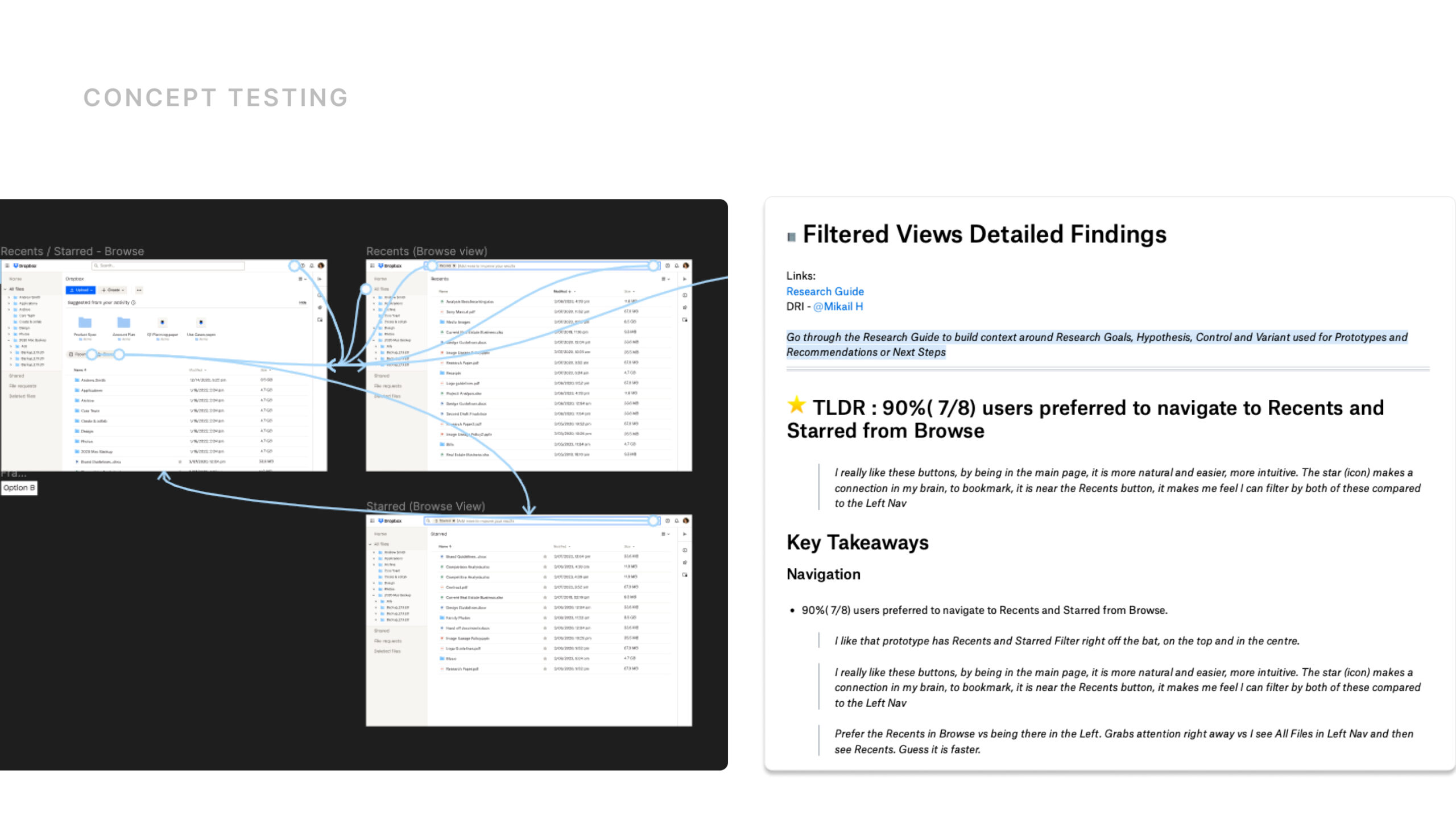
These updates provide a cleaner, more intuitive experience that helps users organize content, collaborate seamlessly with teams, and complete their most important tasks more efficiently—all within Dropbox.
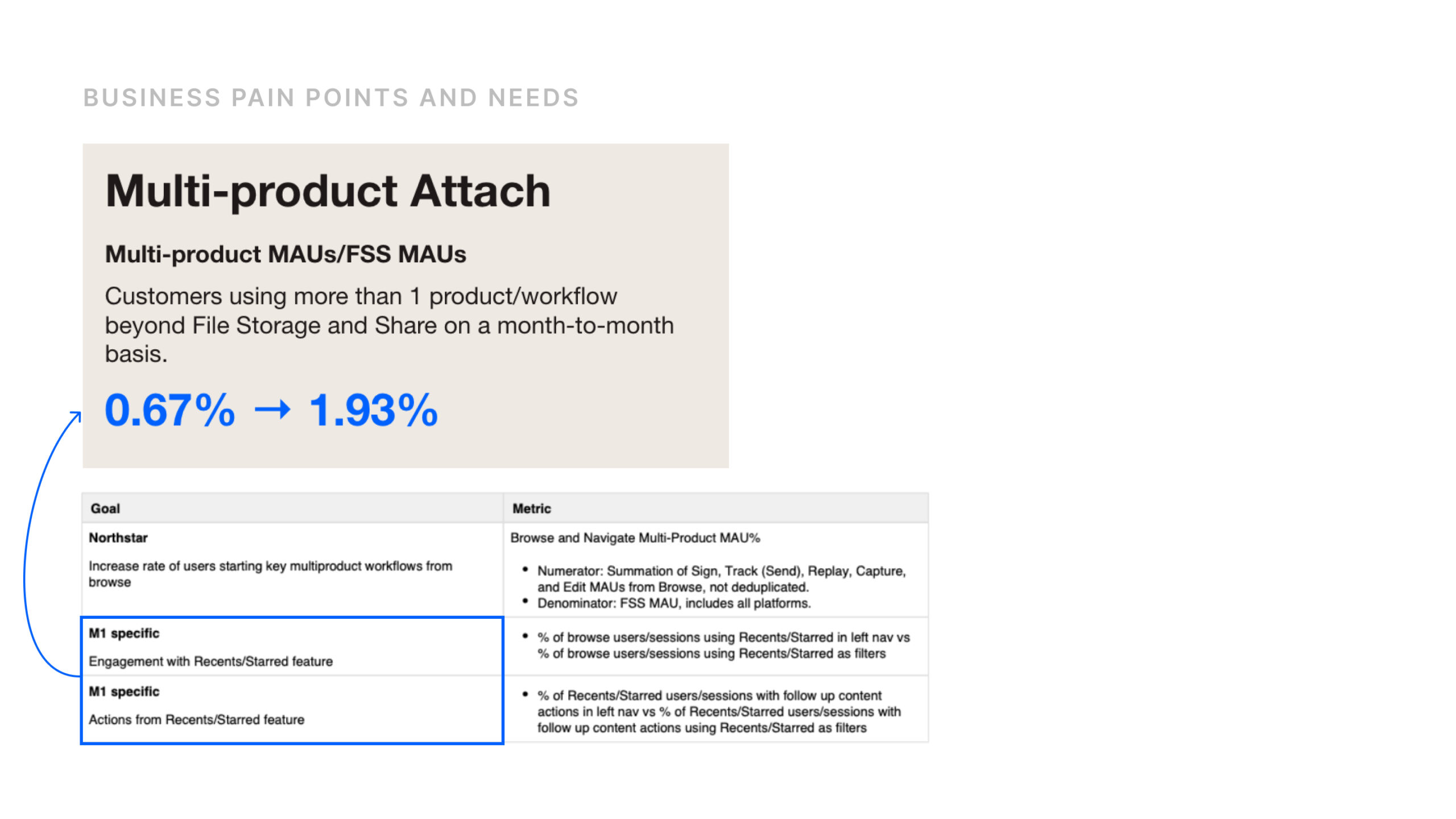
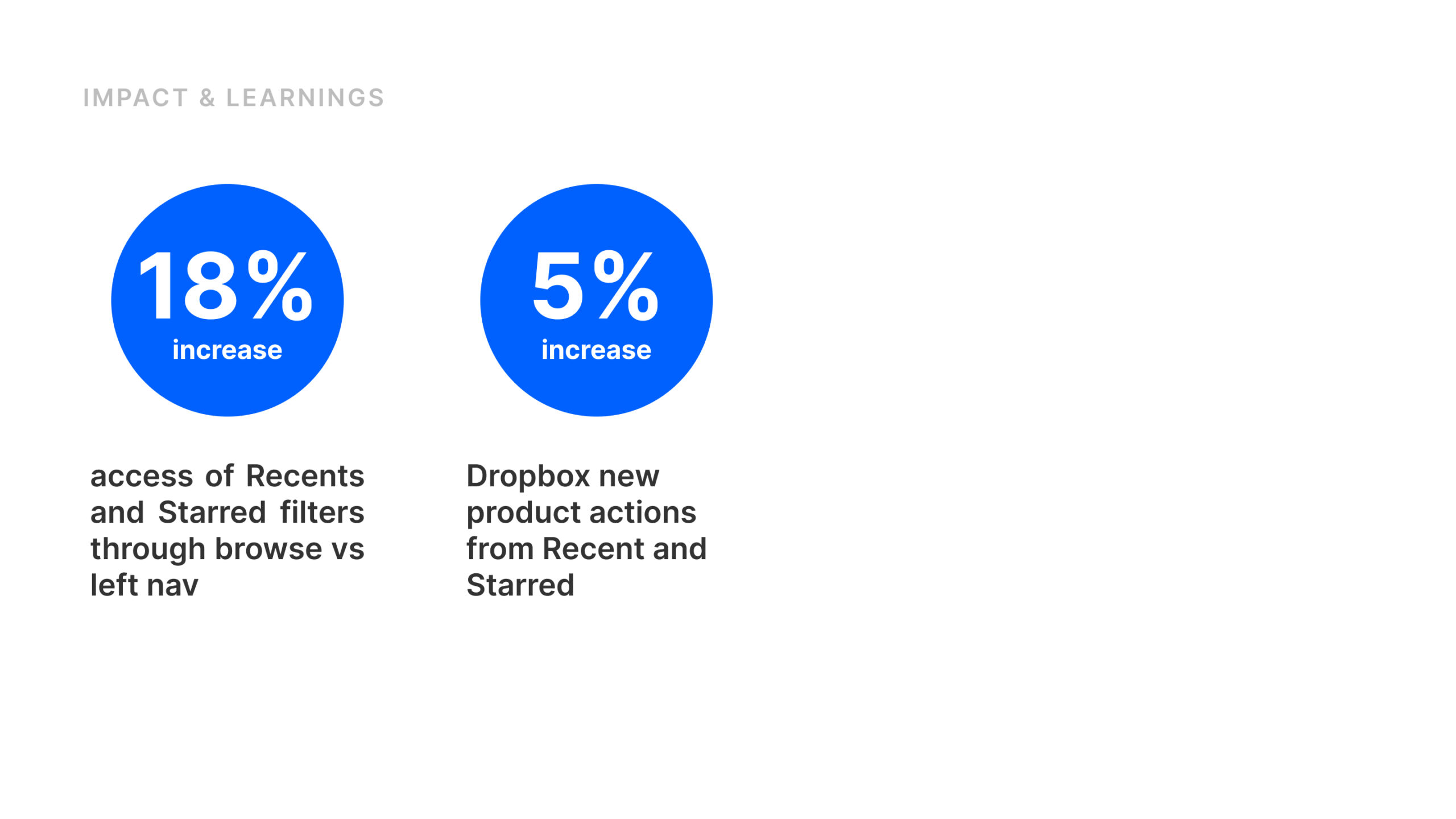
• Increased new multi-product activation by 1.5%
• Reduced time to access files by 20%
Selected Works
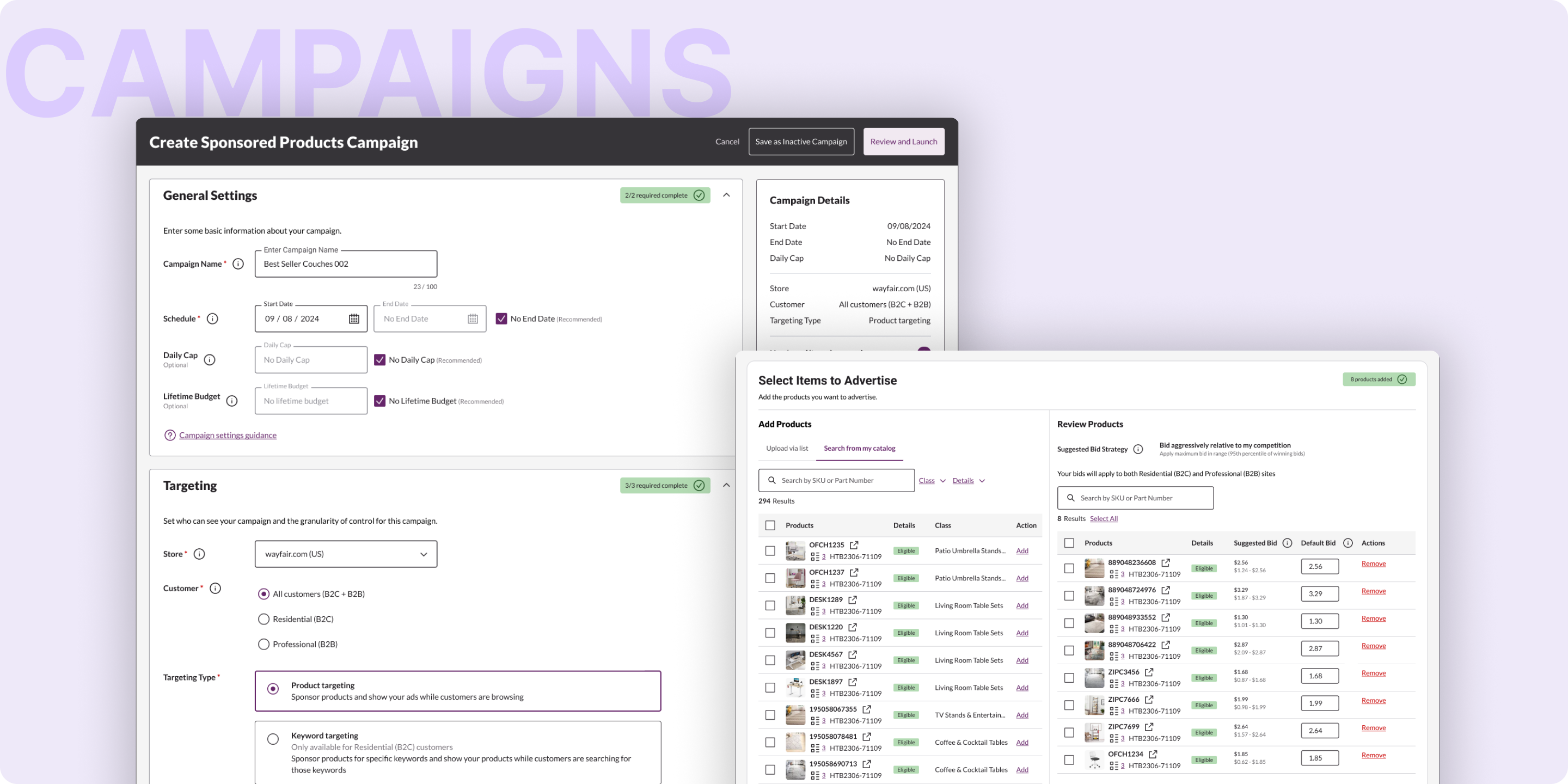
Wayfair - Unified Campaign Creation2024-2025 . Web . Vision & Strategy
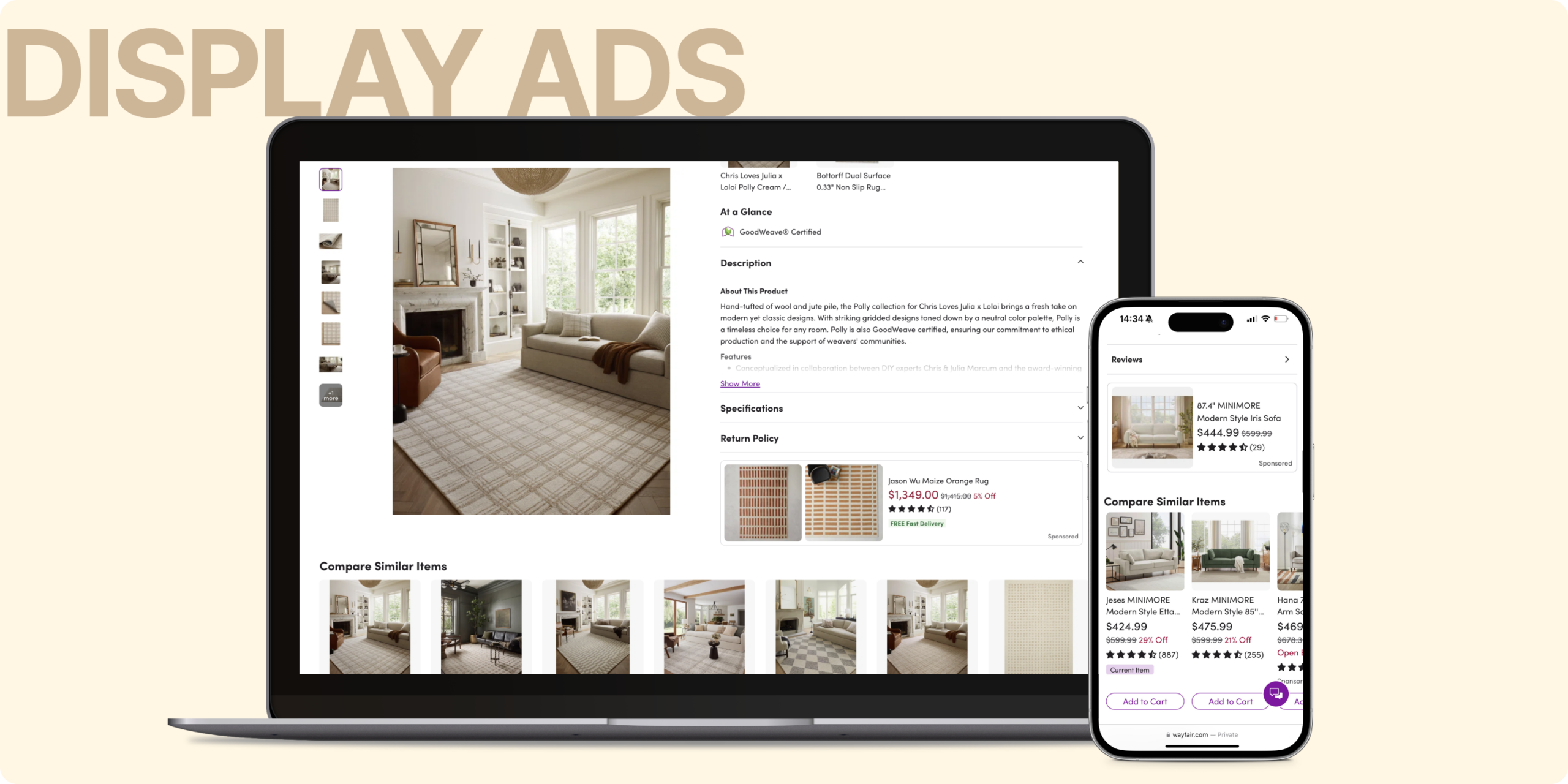
Wayfair - Display Ads2024 . Mobile & Web . Vision & Strategy
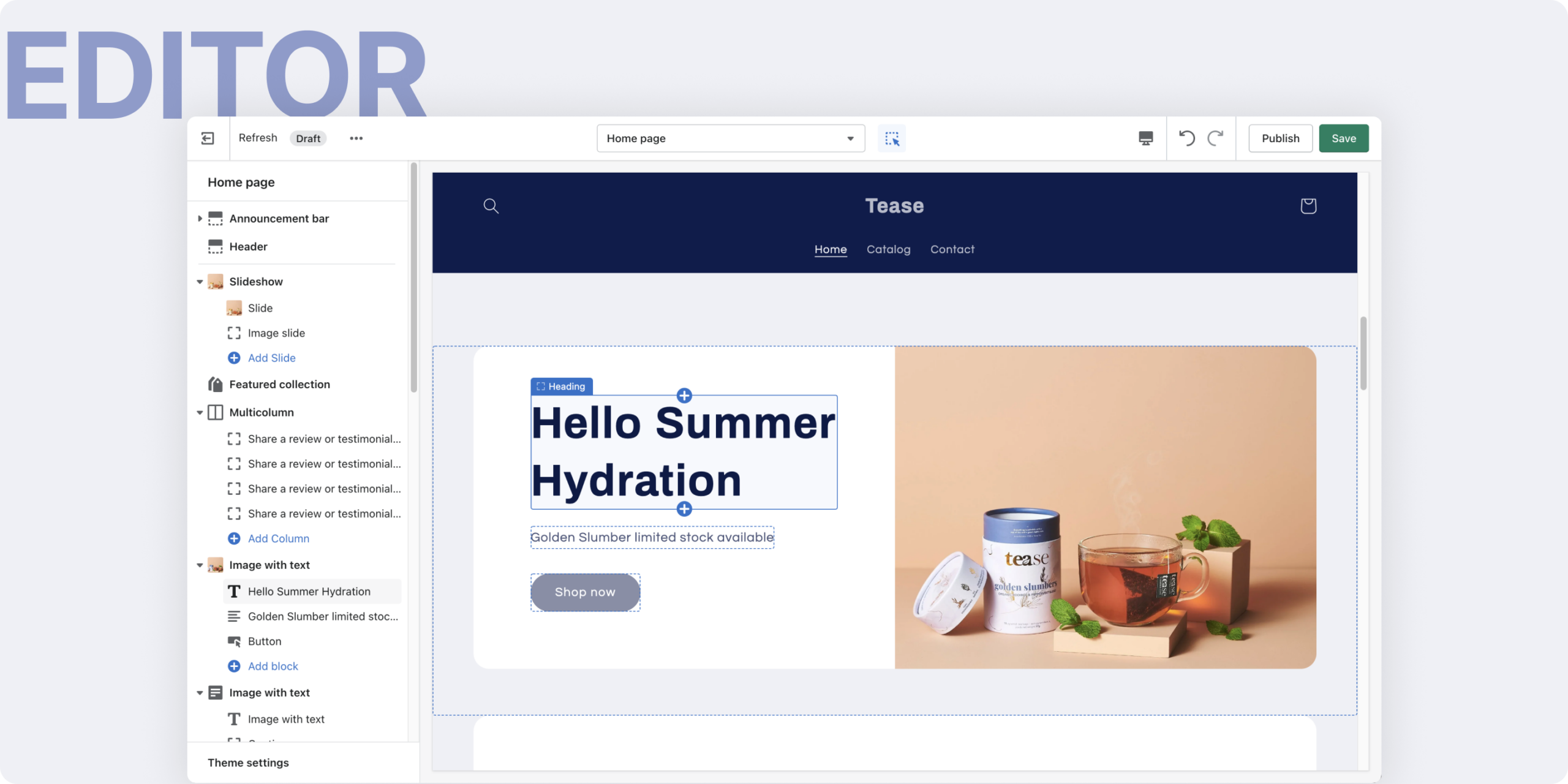
Shopify Editor2022 . Web . Interaction Design
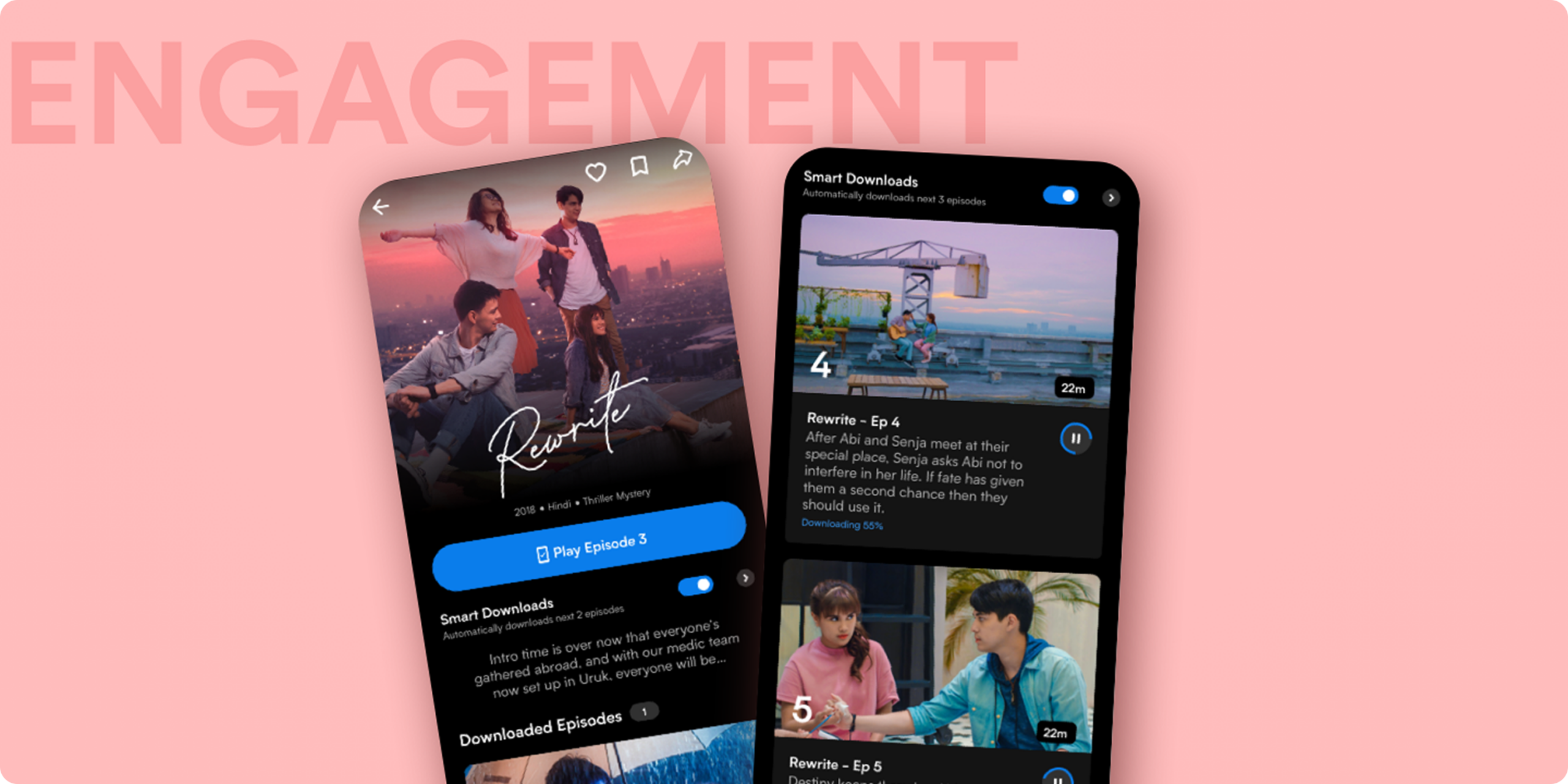
Viu Engagement2018-2019 . Mobile Design . Vision & Strategy
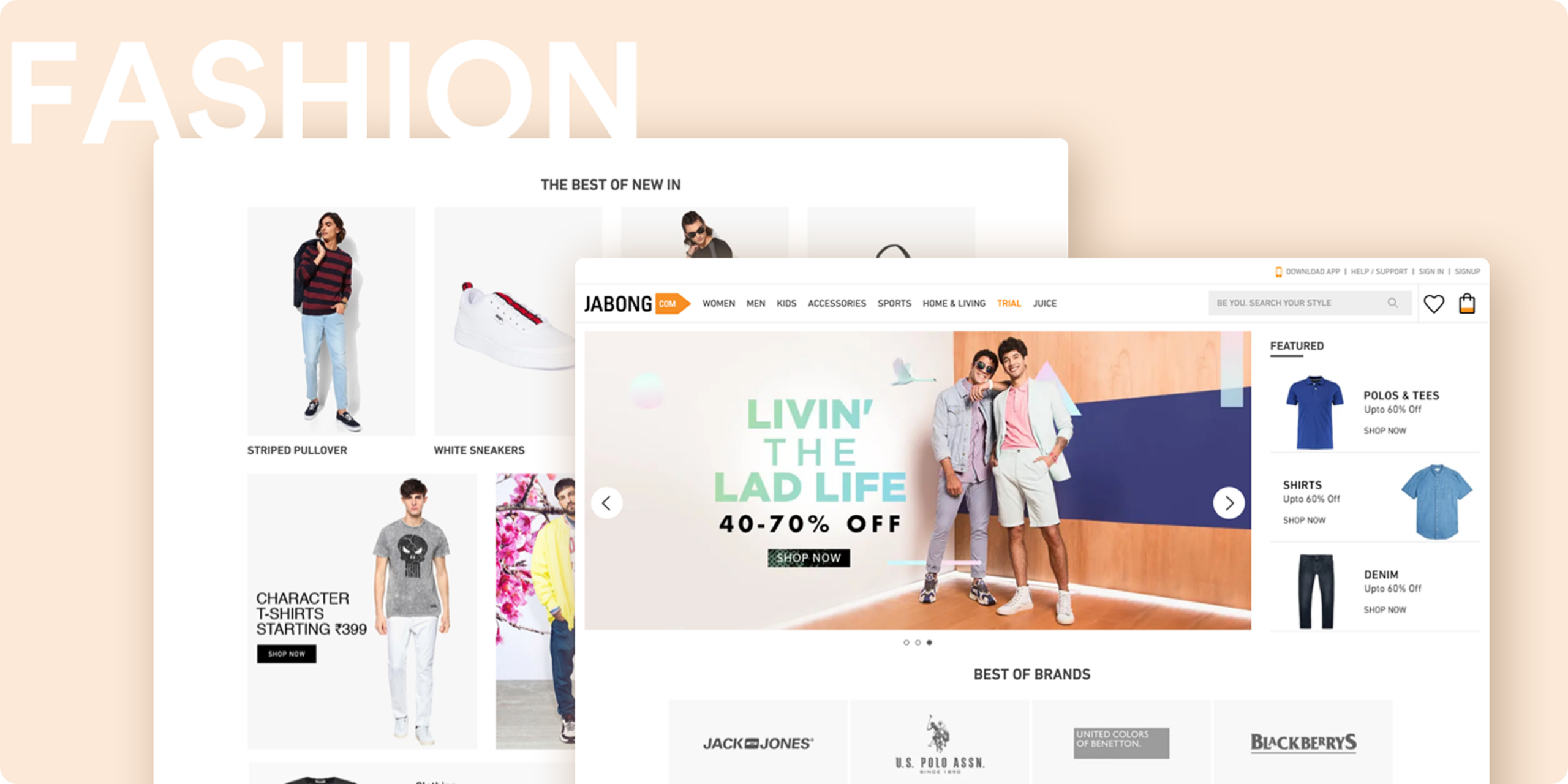
Jabong Fashion2014 . Web & Mobile . Vision & Strategy
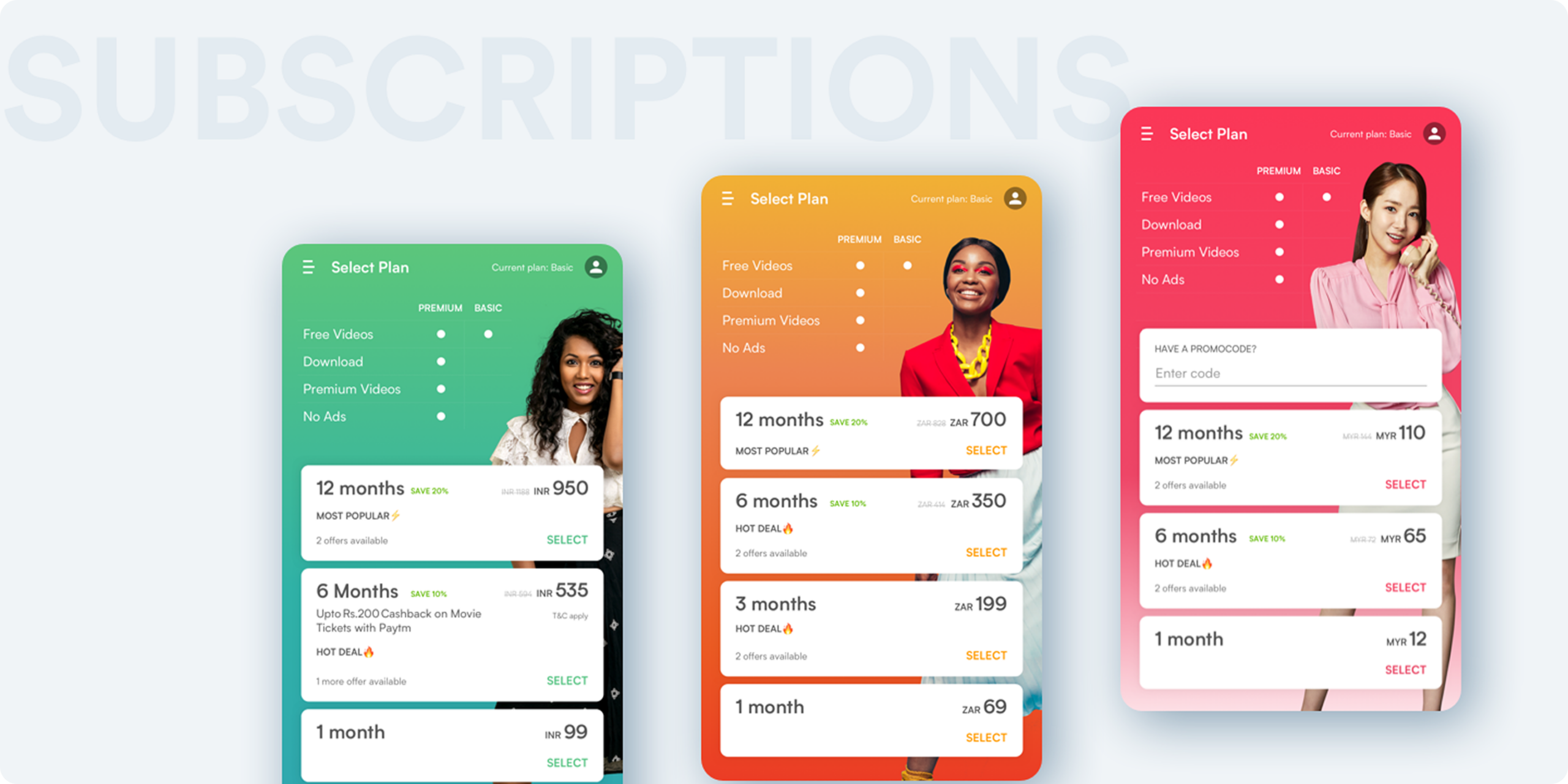
Viu Subscriptions2018 . Mobile Design . Design systems